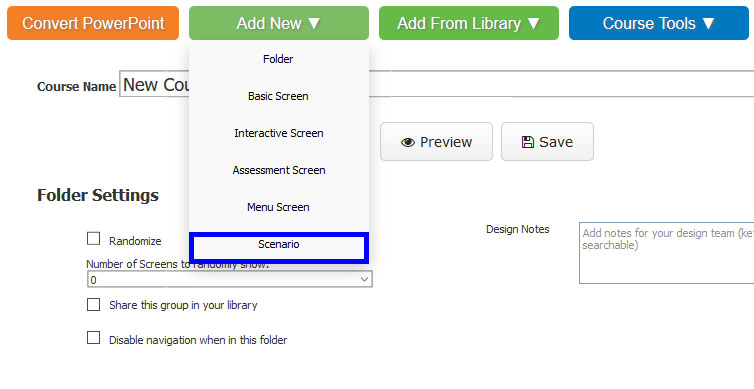
Hover over ‘Add New’ and select ‘Scenario’.
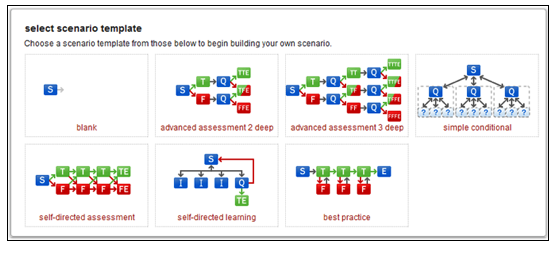
Select a scenario template by clicking the appropriate template image.
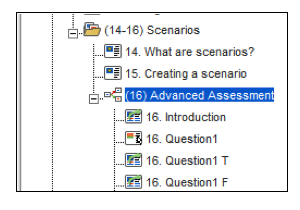
The scenario template will appear in the course outline. Expanding the scenario folder will reveal all of the screens that are included within that template.